3StrandTech
Tech, Tutorials, Inspiration
recent posts
- What Linux Distribution is Right For You?
- How Linux Works Behind the Scenes (Explained for Beginners)
- 10 Things to Do After installing Linux (Coming From a different OS) Part 10: Explore the Software Store(Find useful and fun apps)
- 10 Things to Do After installing Linux (Coming From a different OS) Part 9: (Set Up Home Folder Backups)
- 10 Things to Do After installing Linux (Coming From a different OS) Part 8: Learn 5 Useful Terminal Commands
about
Category: Uncategorized
-
A practical guide to choosing the best Linux distro based on your computer, experience level, and goals. Introduction Windows isn’t what it used to be. Microsoft isn’t honoring privacy concerns and are requiring ongoing subscriptions for many basic applications that used to be free. Privacy is also a large concern, as Windows won’t even allow…
-

Linux is awesome. It just is. It runs on so many devices. It runs on 4 billion Android devices and all of the top 500 supercomputers (Linux Foundation, 2026)! Most distributions are free and open sourced, meaning that anyone can examine the inner workings of their distribution. Lastly, Linux allows the user to customize it…
-

Whats up?! This is the 10th and Final part of my “10 Things . . .” series where I show you 10 things to do after you install Linux (particularly if you’re coming from a different OS). We’ve done so many things so far: Updated the system, installed drivers and essential apps, created a shared…
-
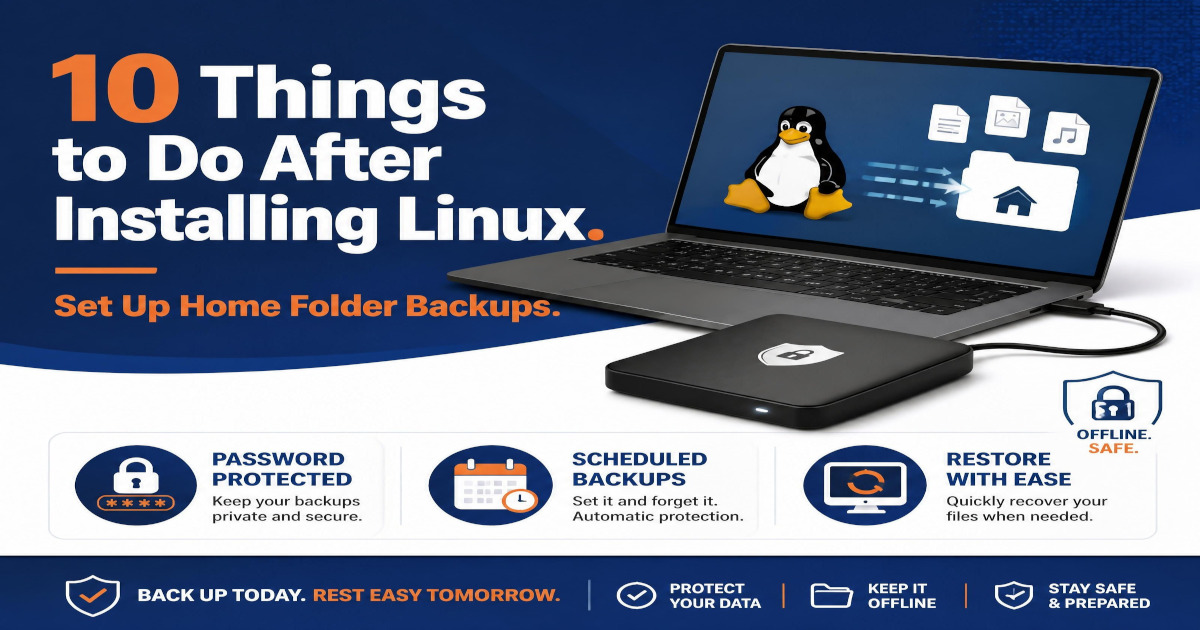
Hello and welcome to Part 9 of my Linux series where we discover awesome features and tools that Linux offers, especially for those of us who are switching to Linux from a different OS (particularly Windows, but others as well). When I was younger, before the cloud became what it is today, we used to…
-

Hey there! Welcome to Part 8 of my Linux series where we learn useful things that you can do in Linux, especially if you’re coming from a different OS (Mainly Windows or MacOS, but this is useful for those coming from another different OS too!). In this part, we discuss different terminal commands that are…
-

Part 7 of the series is here! We’ve been talking about 10 things to do after installing Linux! We’ve discussed many things you can do with Linux so far, including how to update the system, setting up time shift backups and customizing the desktop, to name a few. During this guide we will set up…
-

Hey ya’ll! We are onto part 6 of the series! AMAZING! This series is about 10 things to do when you’re migrating from a different OS (Primarily Windows for this series but it does apply to others too). Here we really talk about the look and feel of Linux. Specifically we talk about how to…
-
This is part 5 of my series on what to do on a new Linux install when moving away from another OS (such as Windows). We are getting to the fun part here: apps, apps and more apps! Time to get the productivity tools installed that get this done and fun stuff for when you…
-
In Part 4 of this Linux series we learn how to set up Timeshift, an efficient and safe way to roll back your Linux install to a safe point in the event something goes wrong, without having to do a clean install of the OS. Previous parts of this series involved items like updating the…
-
In Part 1 and Part 2 of this series we talked about updating your Debian Linux system and installing drivers, respectively. In this third part of the series we discuss Installing Media Codecs! Media codecs are important as they enable your machine to play media. Lets get your Linux install media ready! Wait . .…